
How to use ChimpType
Turn a recording into text, label who said what, fix the words and export the result. Pick what you want to do.
Quick start
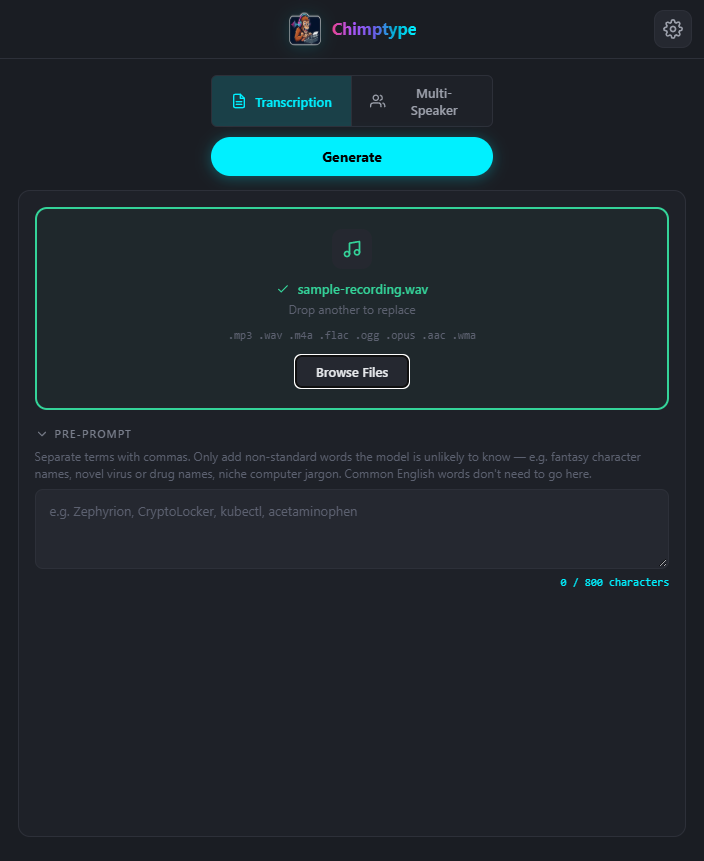 Transcribe a recordingLoad a file, press Generate, read the text.
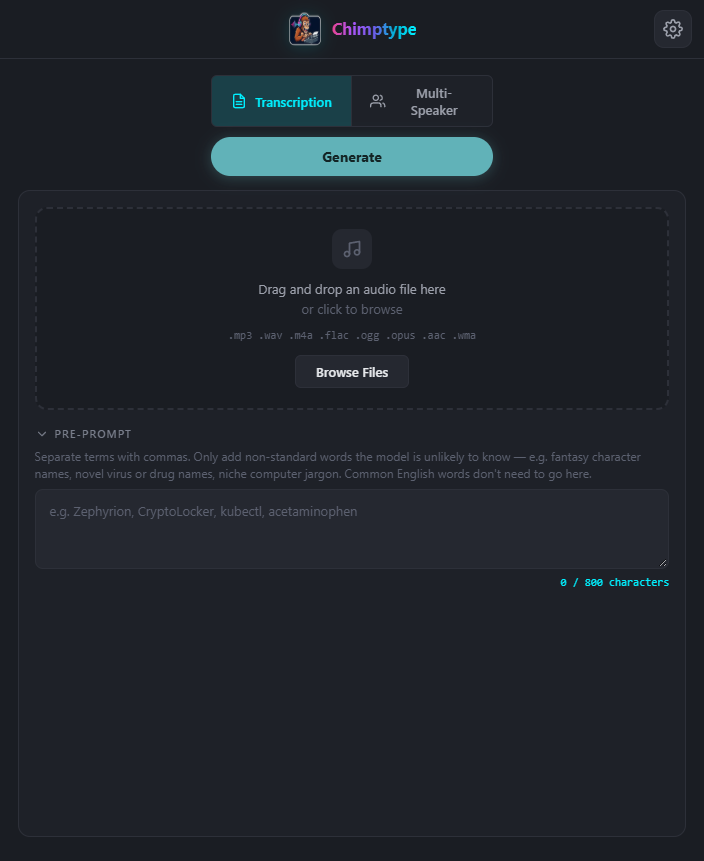 See supported file typesEvery file type ChimpType reads, and what to do when one is refused.
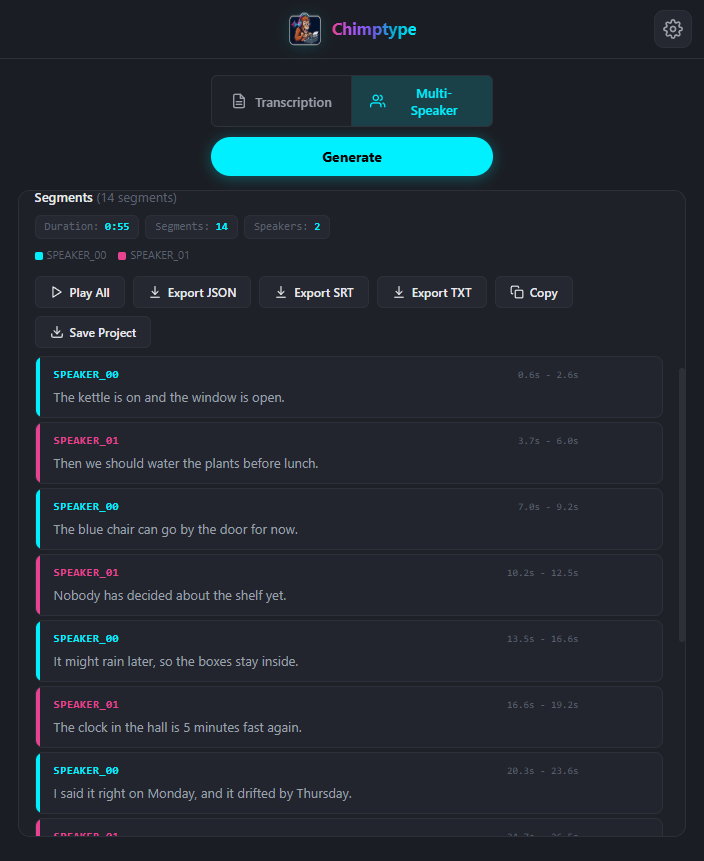 Label who said whatOne card per turn, each speaker in its own colour.
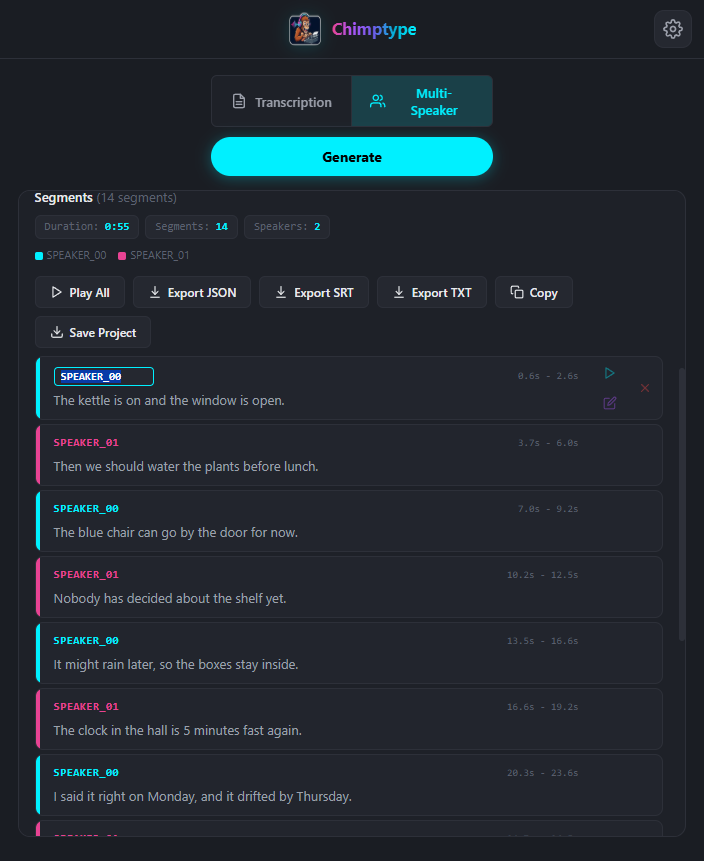 Rename speakersGive SPEAKER_00 a real name; it carries into every export.
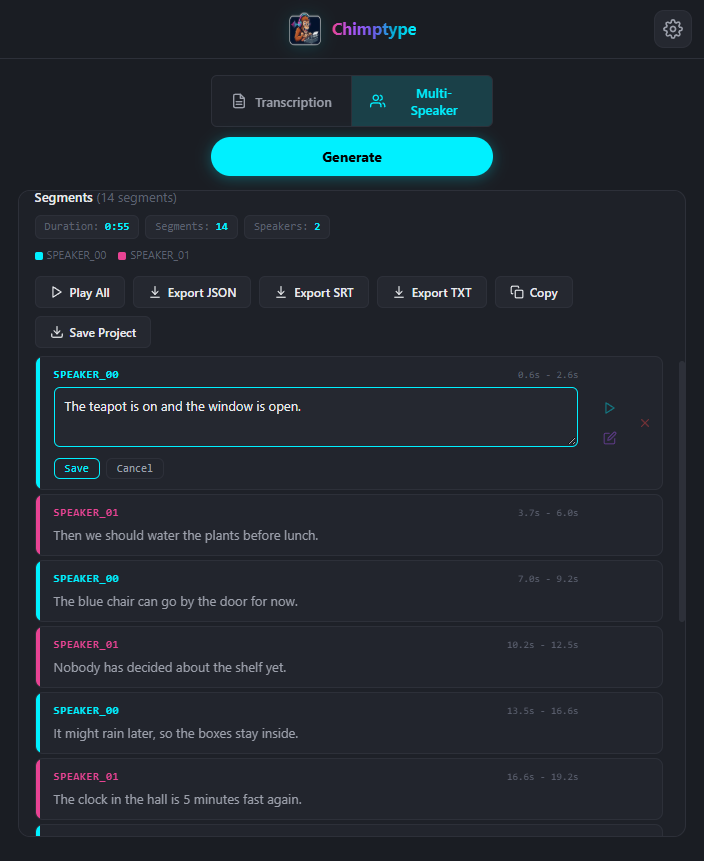 Fix a wordEdit a card's words, or put the original back.
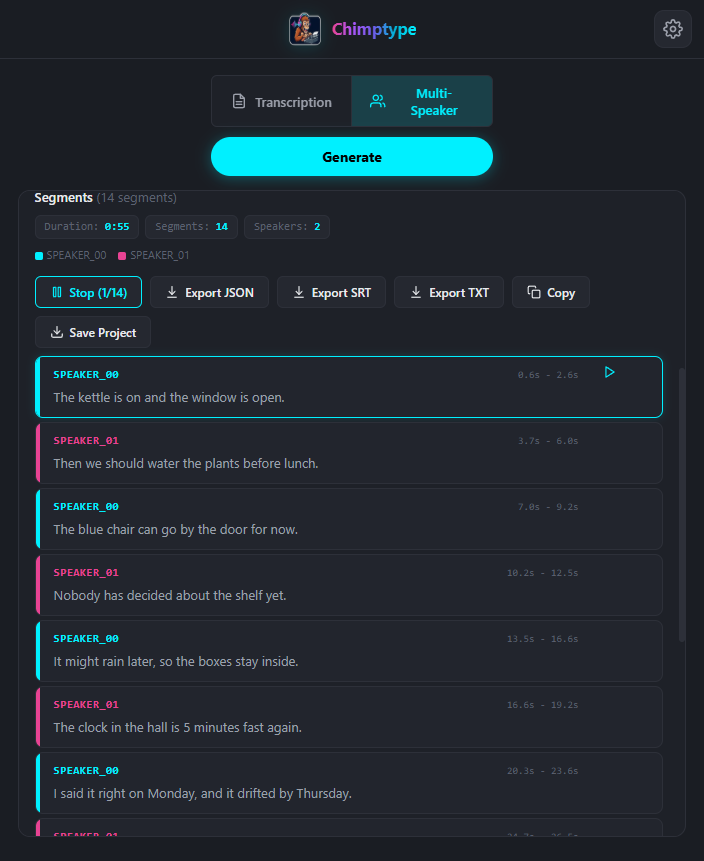 Play back a turnHear one turn, or play them all in order.
- Export text, subtitles or JSONCopy it, or save it as plain text, SRT subtitles or JSON.
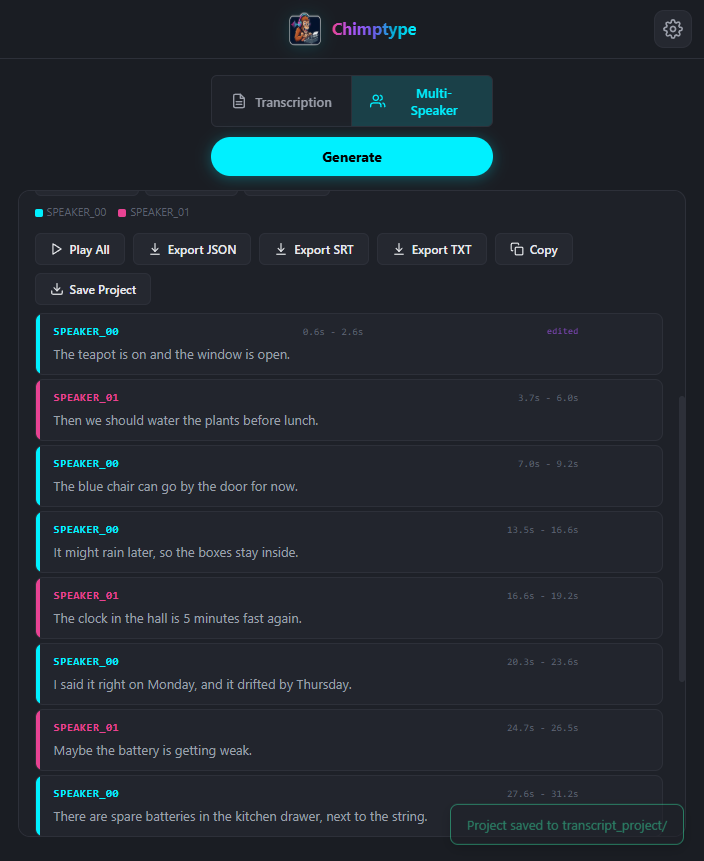 Save the whole projectYour audio, every turn and every export, in one folder.
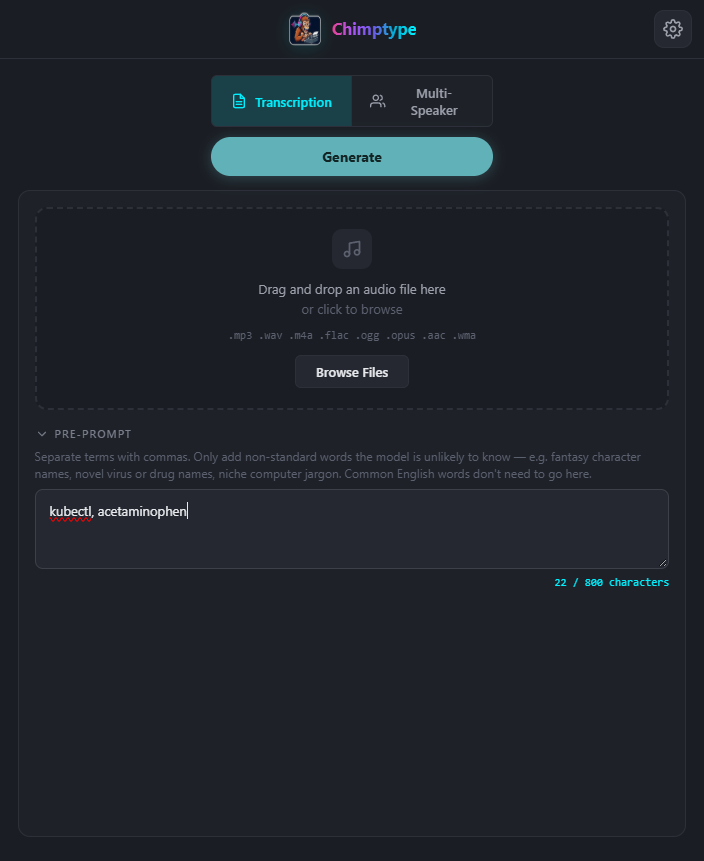 Teach it unusual wordsNames and terms it should spell right, in the Pre-Prompt box.
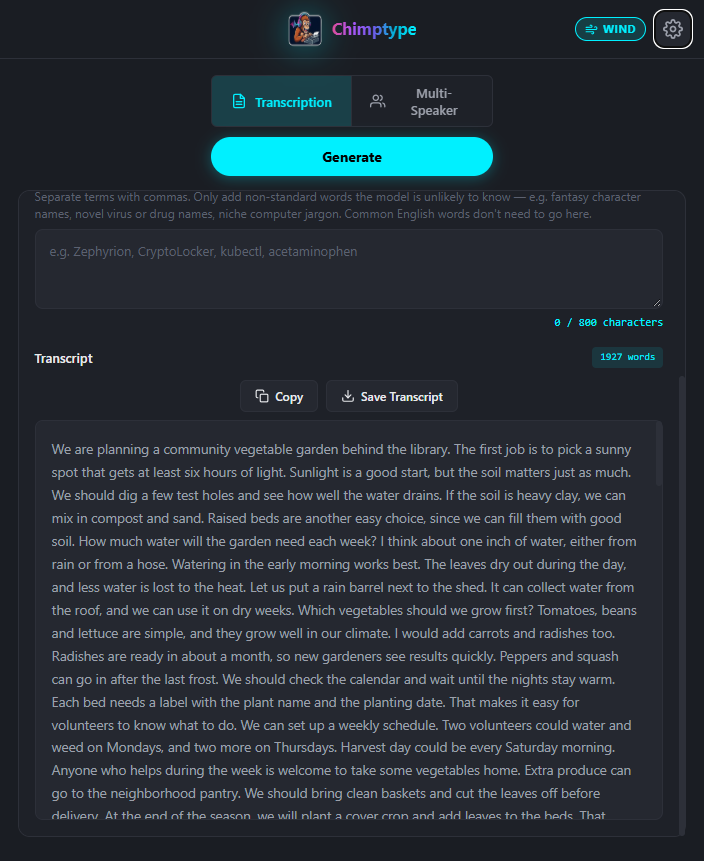 Noisy recording?Switch to the Wind and Background Noise model.
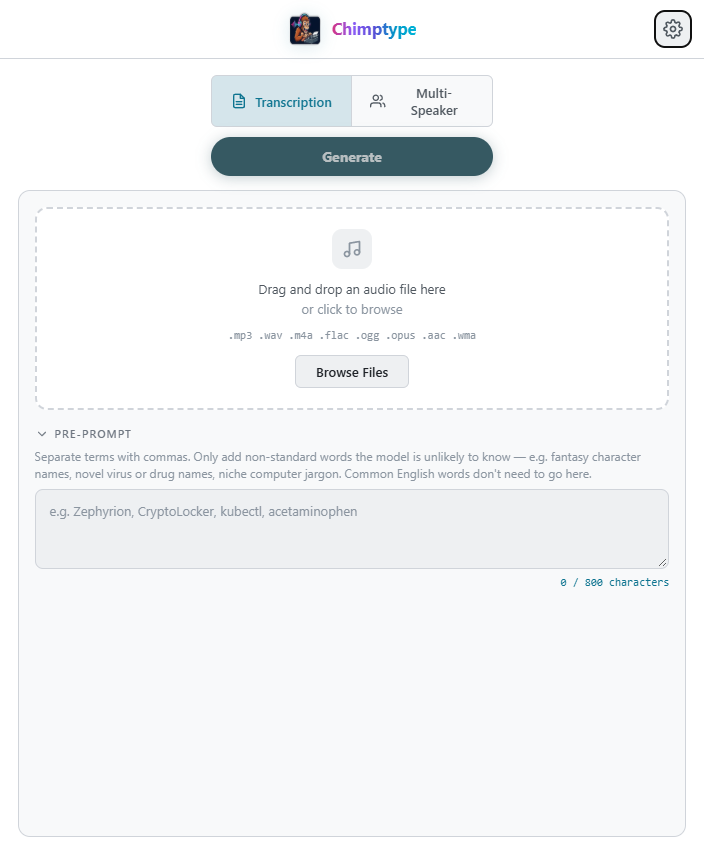 Change the themePick one of six themes, or click the logo to step through them.
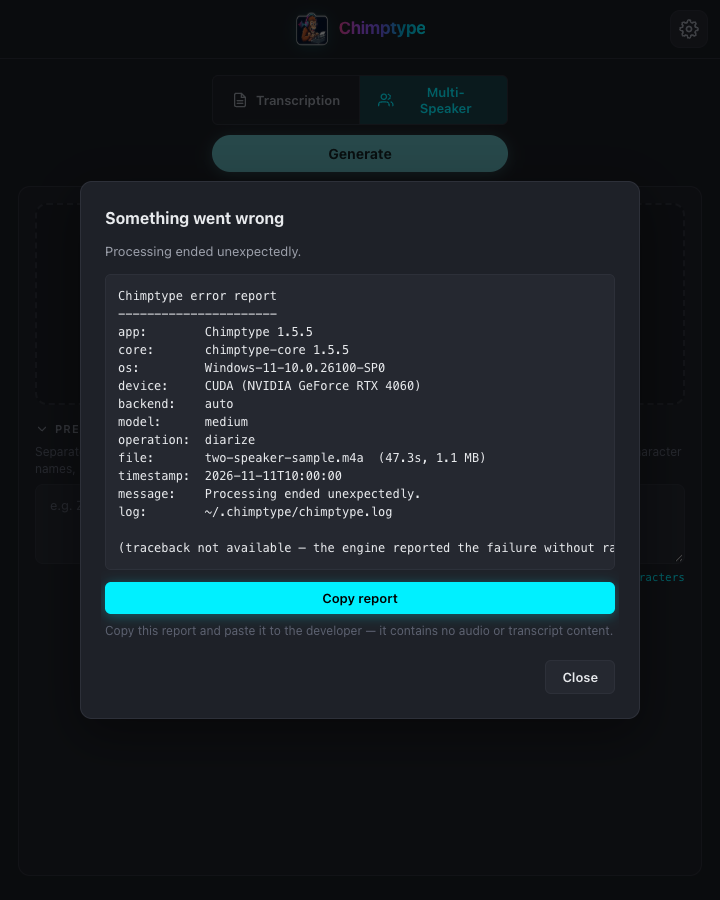 Something went wrong?What each message means, and what to do next.